 Arclab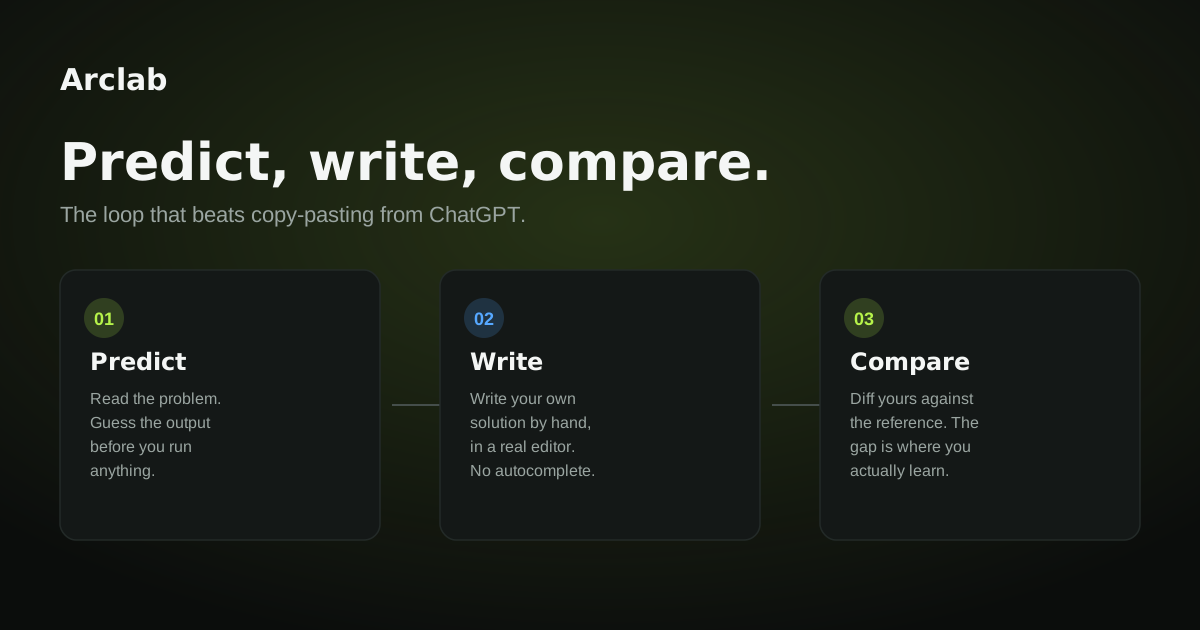
Tutorial hell has a specific shape. You finish a course, you feel like you understood it, and then you sit down to build something on your own and nothing comes out. Not because you were not paying attention. Because watching someone else write code and writing code yourself use completely different parts of your brain, and tutorials only ever exercise the first one.
Most people respond to that gap by taking another tutorial. It feels productive. It is not. You already know how to watch someone else solve a problem. What you are missing is practice noticing the difference between what you expect and what is actually true, and that only shows up when you commit to an answer before you know if it is right.
Why tutorials keep you stuck
A tutorial's whole design is low friction. You read a line, you see it run, you move to the next line. There is no moment where you are wrong, because you are never asked to guess. Being wrong is uncomfortable, so a format that removes it feels like the better product. It is also the reason the knowledge does not stick.
Learning research has a name for this: the difference between recognition and recall. Recognizing a correct answer when you see it is easy and tells you almost nothing about what you actually know. Producing the answer yourself, from nothing, is hard and tells you exactly where the gaps are. Tutorials are built entirely around recognition. Debugging your own project is built entirely around recall. Nobody tells you that the transition between the two is the actual hard part of learning to code, so it feels like a personal failing instead of a predictable gap in how you practiced.
The loop that closes the gap
The fix is not more content. It is changing what you do with the content you already have. Three steps, every time:
- Predict: before you write or run anything, commit to what the code should do. Out loud, on paper, in a comment, it does not matter, as long as you commit before you have evidence.
- Write: now write your own solution to the problem, using your prediction as your guide.
- Compare: run a reference solution next to yours and explain, specifically, where they differ and why.
The step that matters most is the one everyone skips: predicting before you have any evidence. It is uncomfortable on purpose. That discomfort is where the checking-your-work part of your brain turns on, and it stays off completely if you only ever read the answer first.
What this looks like for someone actually using it
Prabesh Aryal, who works in data science and uses Arclab to revisit fundamentals, put it this way: "Things I thought I knew but could not explain, Arclab surfaces those gaps fast." That sentence is the whole loop in one line. He was not missing information. He had already seen the material. What he was missing was a moment that forced him to commit to an answer before checking it, and that moment is exactly where the gap between "I recognize this" and "I can produce this" shows up.
Prashan Sapkota described a similar effect from the other direction, using Arclab to refresh coding knowledge: "It pulls me back to the fundamentals in a way that actually sticks, not just re-reading docs." Re-reading docs is recognition. Sticking is recall. The difference between those two is the entire reason tutorial hell exists in the first place.
Neither of them needed a new course. They needed a format that would not let them coast on recognition.
Try it on whatever you are stuck on right now
You do not need Arclab to start this. Pick the tutorial or project you are currently stuck on and, before your next line of code, write down what you expect to happen. Then write the code. Then compare. If your prediction was wrong, do not just fix it and move on, write one sentence explaining why you were wrong. That sentence is the part a tutorial never makes you produce, and it is the part that actually gets you unstuck.
Arclab builds this loop into every lesson, so you cannot skip the prediction step even when you want to. Try it free.